
Description
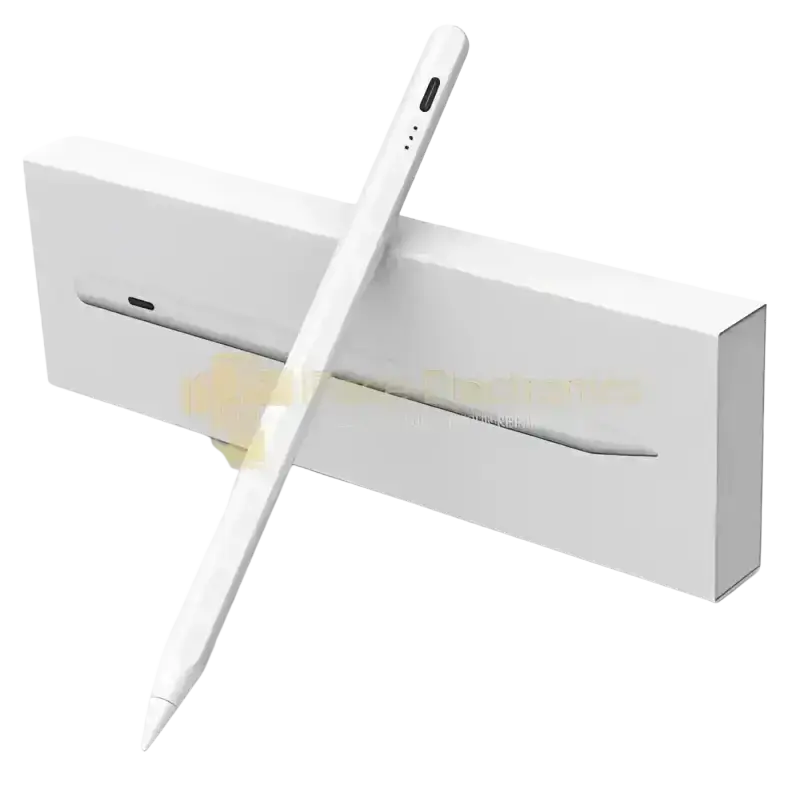
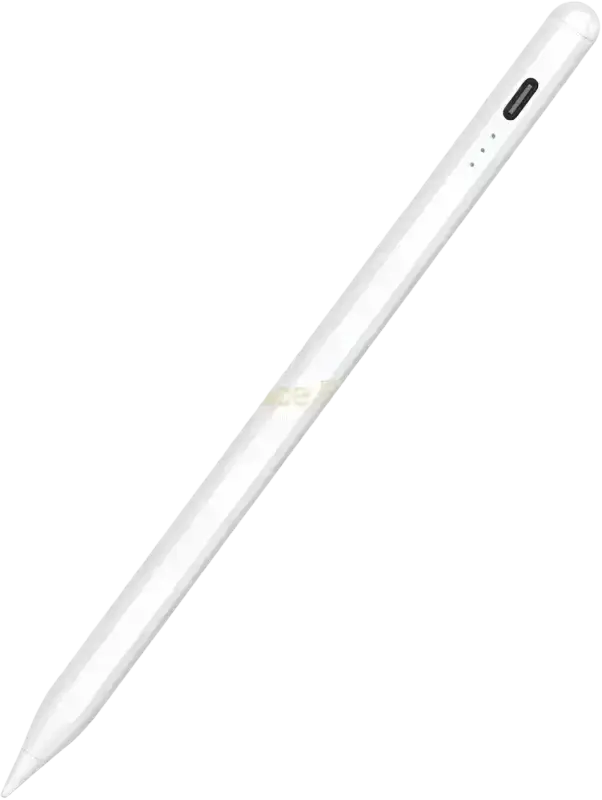
- Precise and Sensitive: Stylus Pen has tilt sensitivity, premium 1.5 mm nib, pixel precision and sensitive touch technology provides better accuracy and compatibility without delays and disconnections, allowing you to create with maximum precision at all times. There is magnetic suction for iPad Pro 12.9” 3rd and 4th generation, iPad Pro 11. Portable and not easy to lose.
- Wide Compatibility: Universally designed for capacitive touch screens. Android Devices: Works with G-alaxy S26, S26 Ultra, S25, S24 Series, Z Fold/Flip 7 & 6, Tab S11/S10/S9 Series, and other Android tablets & smartphones. i-OS Devices: Compatible with i-Phone 17, 17 Pro, 17 Pro Max, 17 Air, 16, 15, 14, 13, 12, 11, X, XR, XS, 8/8 Plus Series; i-Pad Pro 13″/11″ (M5/M4/M2), Air 13″/11″ (M3/M2/5th Gen), mini 7/6, and 10th/9th Gen. 【Important Note: Does not support palm rejection or pressure sensitivity. Not compatible with Windows systems or apps requiring proprietary protocols.】
- Convenient and Easy: No apps to install. Just tap the pen cap to let you easily enjoy smooth writing or drawing, create anything without limitation, perfect for your school, business trip, meeting and home.
- Efficient and Durable: The product comes with a USB charging port and a built-in battery that allows you to use it for 20 hours after only 1 hour of charging. The Stylus Pen automatically enters sleep mode after 5 minutes of inactivity and automatically turns off the power every 30 minutes, which can extend the life of the stylus.
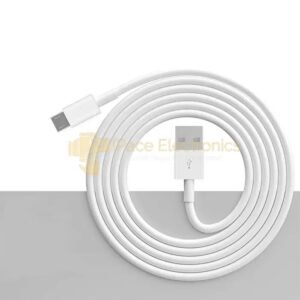
- Quality and Service Come First: Your package includes 1 universal stylus pen, 4 replacement tips, 1 USB-C charging cable, 1 user manual, and 1 packaging box; we provide a 12-month warranty and offer lifetime professional technical support to prioritize your pleasant experience.
- 【Notice】What if the stylus pen doesn’t work on the i-Pad? Please disconnect your Pad from the App|e Pencil first, and if there is a switch inside the app for Apple-Pencil use only, please turn it off. 2)Why doesn’t this stylus work on notability? Please modify your settings in the app to use it. Click “Info” in Notability – find ” App|e Pencil :” – select “Disconnect”, then you can use it normally. Other applications where the stylus doesn’t work can refer to this operation. (GoodNotes/Note)

Reviews
There are no reviews yet.