
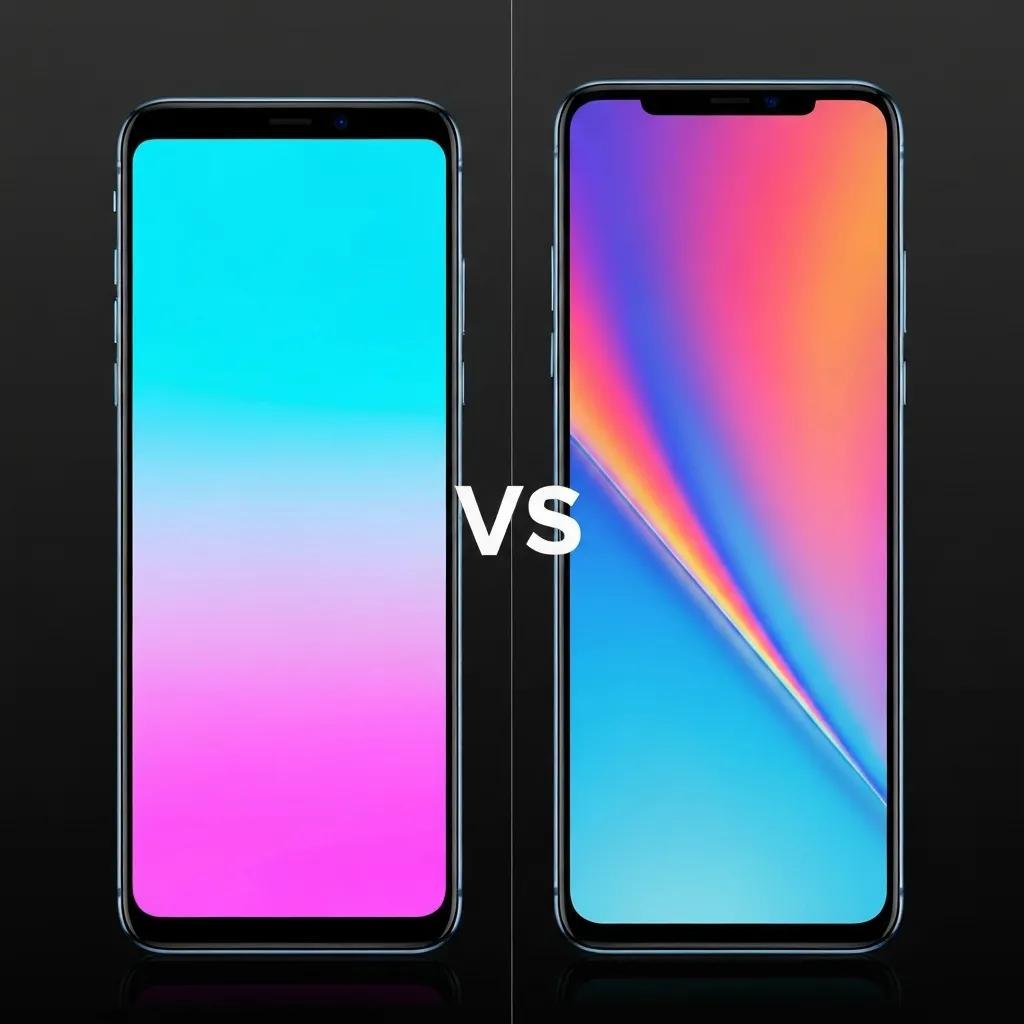
Is Aftermarket Screen Same as Original for Phone? Comprehensive OEM vs Aftermarket Phone Screen Comparison
Choosing between an original (OEM) phone screen and an aftermarket replacement hinges on trade-offs in compatibility, durability, and cost rather than on a simple yes/no answer. This article explains what differentiates OEM screens from aftermarket options, how display performance and touch responsiveness compare, and the real-world implications for features like Face ID, True Tone, and auto-brightness. Many users assume an aftermarket screen will match an OEM screen visually, but current research and repair-community testing through 2024–2025 show measurable differences in calibration, materials, and long-term reliability. You will learn how display subsystems (glass, digitizer, OLED/LCD panel) contribute to those gaps, which aftermarket grades exist and what to expect from each, and a decision framework that ties device age and resale value to the best choice. The following sections cover: core differences between OEM and aftermarket parts, objective display-quality comparisons with EAV-style tables, compatibility with advanced features, durability and material trade-offs, cost/warranty/resale effects, and a practical checklist to make an informed replacement decision.
What Are the Key Differences Between OEM and Aftermarket Phone Screens?
OEM phone screens are manufactured to the device maker’s specifications with factory calibration, matched materials, and quality-control processes, while aftermarket screens are produced by third parties with variable tolerances and calibration standards. OEM parts typically include the original glass chemistry, factory-bonded digitizer, and panel tuned for color accuracy and brightness; aftermarket options range from premium, near-OEM copies to low-cost generic assemblies that cut corners on materials and QA. These manufacturing and quality-control differences explain why compatibility with system firmware, sensor pairing, and long-term performance often favor OEM screens. Understanding these core differences helps set expectations about visual parity, touch responsiveness, warranty coverage, and potential downstream risks. The next subsections describe how OEM quality is defined and the graded ecosystem of aftermarket screens, which informs purchasing choices.
How Do OEM Phone Screens Define Quality and Compatibility?
OEM phone screens define quality through strict specification adherence, factory calibration, and integrated sensor pairing that ensure consistent color reproduction and feature support. Manufacturers use standardized panel sourcing, chemical-strengthened cover glass, and calibration profiles applied at the factory to get predictable white point, gamma, and gamut coverage for each device model. Compatibility extends beyond mechanical fit: OEM assemblies are designed to interact with the device’s firmware and sensor hardware so features like True Tone or ambient-light-driven auto-brightness behave as intended. These engineering and QA controls reduce the risk of touch anomalies and firmware-level incompatibilities, which is why OEM replacements are recommended for devices with high resale value or recent models where feature parity matters. Recognizing OEM baselines makes it easier to evaluate aftermarket claims.
What Types and Grades of Aftermarket Screens Exist?
Aftermarket screens fall into a spectrum from refurbished original panels to premium aftermarket reproductions and cheaper generic copies, usually marketed under grades like A++, A, B, and C to signal expected quality. Premium aftermarket (often labeled A++ or “OEM-like”) tends to use higher-quality panels and better calibration attempts, delivering near-OEM brightness and color with modest trade-offs in gamut accuracy. Grade-B and lower parts typically use generic glass and off-spec panels that show narrower color gamuts, lower maximum nits, and inconsistent touch controllers; refurbished OEM panels reuse original hardware but can vary based on remanufacturing quality. When assessing an aftermarket screen, verify stated grade, request evidence of calibration or warranty, and prefer parts with documented sensor integration to preserve advanced features. Understanding these grades prepares you to weigh cost savings against potential compromises in performance.
- OEM Pros: Consistent color calibration, guaranteed compatibility with sensors and firmware, strong material quality.
- OEM Cons: Higher cost and sometimes longer wait times for service.
- Aftermarket Pros: Lower upfront cost, wider availability, options for older or rare models.
- Aftermarket Cons: Variable quality, possible feature incompatibilities, shorter or limited warranties.
These differences set the stage for detailed display-performance comparisons in the next section.
How Does Display Quality Compare Between Original and Aftermarket Phone Screens?

Display quality differences between OEM and aftermarket screens manifest across color accuracy, brightness (nits), resolution fidelity, and viewing-angle performance, and these metrics map directly to user experience in photography, video, and outdoor readability. OEM panels are typically factory-calibrated to meet specified color gamuts (sRGB/Display P3), achieve rated peak brightness for HDR content, and maintain consistent pixel rendering across devices. Premium aftermarket panels may approximate these characteristics closely but often show subtle color temperature shifts or reduced HDR peak nits; cheap aftermarket screens frequently fall short on gamut and HDR handling. The table below compares OEM, premium aftermarket, and cheap aftermarket on the key display attributes readers care about and provides a baseline expectation for what each category delivers.
Different screen categories typically show measurable variance in color and brightness performance.
This EAV-style comparison highlights that premium aftermarket parts can approach OEM visual performance while cheap copies generally lag, which affects perceived image quality and HDR playback. The next subsection details how color, brightness, and resolution differences present in everyday use and suggests simple tests users can run.
What Are the Differences in Color Accuracy, Brightness, and Resolution?
Color accuracy differences are most noticeable in skin tones, whites, and saturated hues when comparing OEM and aftermarket screens side-by-side; OEMs typically provide tighter white-point control and broader gamut coverage. Brightness shortfalls on aftermarket parts reduce outdoor readability and HDR peak highlights; where OEM panels may reach higher nits for HDR scenes, cheaper aftermarket options often top out lower, diminishing contrast. Resolution and pixel density are usually matched mechanically, so visible resolution loss is rare unless a panel is substandard or intentionally downsampled, but color and brightness divergences remain the main perceptible gaps. To test a replacement screen, compare photo whites, display a gradient for banding, and view HDR content with the same brightness settings; these comparisons reveal calibration and peak luminance differences quickly. Recognizing these attributes helps users decide whether near-OEM visual fidelity is essential for their use case.
How Does Touch Sensitivity and Responsiveness Vary?
Touch performance depends primarily on digitizer quality and the touch-controller firmware, and OEM assemblies use controllers tuned to minimize latency and maintain high sampling rates for gaming and fluid gestures. Premium aftermarket digitizers may replicate low-latency behavior closely, but cheaper parts often introduce higher input latency, inconsistent multi-touch tracking, or dead zones caused by lower-quality flex cables or adhesive methods. Installation quality also strongly influences touch responsiveness; improper adhesive application, connector strain, or dust in the bonding layer can create intermittent issues even with a good panel. Simple diagnostics include checking touch latency with a drawing app, testing multi-finger gestures, and verifying consistent response across the entire screen area. Good digitizer performance preserves the interaction experience and is a critical consideration for users who prioritize gaming or precise touch control.
Are Aftermarket Screens Compatible with Advanced Phone Features Like Face ID and True Tone?
Aftermarket screens vary widely in compatibility with advanced features like biometric systems and color-calibrated utilities; compatibility is determined by hardware pairing, sensor integration, and firmware-level protections implemented by manufacturers. In many modern phones, certain biometric components or calibration data are cryptographically paired to original assemblies or to the device’s logic board, creating practical limitations for aftermarket replacements. Premium aftermarket parts may include support for ambient-light sensor pass-through and attempt to emulate True Tone behavior, but full feature parity is not guaranteed. The following list outlines feature-specific caveats to help users understand where aftermarket parts typically succeed or fall short and prepares them to ask informed questions of a repair technician.
- Face ID and hardware pairing: Some devices require original sensor pairing, which aftermarket screens cannot restore reliably.
- True Tone and color calibration: Aftermarket parts may not reproduce factory-calibrated True Tone precisely, leading to white-point shifts.
- Auto-Brightness: Ambient-light sensor integration can be replicated, but accuracy depends on calibration and sensor routing.
- Fingerprint sensors (in-screen or rear-mounted): Compatibility varies; non-genuine parts may disable or reduce reliability.
These caveats explain why devices with high-value biometric or color-accurate workflows often benefit from OEM replacements; the next subsections examine biometric and True Tone behavior in detail.
How Do Aftermarket Screens Affect Face ID and Fingerprint Sensor Functionality?
Biometric systems like Face ID and integrated fingerprint sensors rely on precise hardware and sometimes cryptographic pairing that OEM assemblies and controlled repair processes preserve. When a screen replacement replaces or interrupts paired components—such as a TrueDepth module or an in-display fingerprint layer—biometric registration can fail or the system may refuse to activate those features until pairing is restored. In some ecosystems, authorized repair centers can transfer pairing data or recalibrate sensors; in others, limitations are stricter and aftermarket repairs may permanently disable certain biometrics. Symptoms of broken biometrics include registration errors, increased false rejects, or feature deactivation notices in system settings. Understanding these pairing constraints helps users weigh the importance of keeping biometrics operational when choosing between OEM and aftermarket options.
Can Aftermarket Screens Support True Tone and Auto-Brightness Accurately?
True Tone and auto-brightness depend on both the ambient-light sensor and a calibrated display profile that maps sensor input to color temperature and luminance adjustments, and reproducing these behaviors requires matching that calibration. Premium aftermarket screens may include attempts to emulate factory color profiles and maintain ambient-sensor pass-through, allowing basic auto-brightness behavior, but exact True Tone parity is difficult without the original calibration data. Users can test True Tone by comparing white balance under varying lighting conditions and checking whether automatic color temperature shifts occur smoothly; discrepancies typically show as cooler or warmer whites or delayed adjustments. In many cases, aftermarket options provide functional auto-brightness but not perfect True Tone equivalence, which matters for photographers and professionals who depend on consistent color presentation.
What Are the Durability and Material Quality Differences Between OEM and Aftermarket Screens?

Material choice, glass chemistry, and bonding processes determine scratch resistance, drop performance, and long-term resilience; OEM screens often use branded chemical-strengthened glass and certified bonding that optimize these properties. Aftermarket parts vary: premium reproductions may use chemically strengthened cover glass similar in composition to OEM Gorilla Glass substitutes, while cheap aftermarket screens tend to use generic laminates with weaker ion-exchange strengthening and lower scratch resistance. Differences in adhesive quality and assembly precision also influence water-resistance retention and the likelihood of adhesive failure or delamination over time. The table below compares material and durability attributes across OEM, premium aftermarket, and cheap aftermarket categories to illustrate expected trade-offs when selecting a replacement.
This table compares material and durability attributes relevant to repair risk and everyday use.
This EAV-style material comparison shows that OEM parts generally offer superior scratch and drop resilience while cheap aftermarket parts present greater long-term repair risks. The next subsection explores specific long-term failure modes and practical precautions.
How Does Gorilla Glass in OEM Screens Compare to Generic Glass in Aftermarket Options?
Gorilla Glass and similar OEM-grade chemistries use ion-exchange strengthening and controlled manufacturing to deliver consistent hardness and resistance to micro-fracture, which translate into better scratch resistance and reduced crack propagation on impact. Generic glass in many aftermarket screens lacks the same ion-exchange treatment depth or uniformity, making surface scratches more likely and micro-cracks more prone to growing into larger failures after a drop. Additionally, OEM cover glass is usually matched to the panel and adhesive chemistry to reduce stress fractures at the edges; aftermarket replacements may introduce mismatches that concentrate stress and shorten lifespan. These material differences mean that users who value long-term durability and lower risk of subsequent repairs typically benefit from OEM replacements.
What Are the Long-Term Durability and Repair Risks of Aftermarket Screens?
Long-term risks after installing aftermarket screens include accelerated crack propagation, adhesive failures leading to delamination, compromised water resistance, and higher likelihood of connector fatigue that can affect digitizer or display longevity. Poorly matched adhesives or uneven bonding can allow dust ingress or moisture penetration, which not only degrades display performance but also increases the risk of logic-board damage over time. Cases where aftermarket parts cause additional repairs often involve lower-quality connectors or flex cables that wear under normal hinge action, producing intermittent display or touch failures. To mitigate these risks, insist on professional installation practices, post-repair water-resistance testing when applicable, and a clear short-term warranty to cover early failures.
How Do Cost, Warranty, and Resale Value Differ Between Original and Aftermarket Screen Replacements?
Cost savings are the primary driver for many choosing aftermarket screens, but those savings come with trade-offs in warranty scope and potential resale value effects that influence long-term cost-effectiveness. OEM replacements command higher prices because they include genuine panels and often come with manufacturer or certified-repair warranties; aftermarket parts are typically 30–60% cheaper depending on grade and market. Warranty length and coverage tend to be stronger with OEM or authorized repairs, reducing the expected cost of re-repair, while aftermarket warranties vary by shop and part supplier. The following table summarizes typical price ranges, warranty expectations, and resale impacts across OEM and aftermarket options to clarify ROI considerations.
This comparison shows that cheaper aftermarket screens save money upfront but can reduce trade-in or resale value and increase the risk of future repair costs. The next subsections examine price-effectiveness and warranty implications so you can weigh short-term savings against long-term outcomes.
What Is the Price Range and Cost-Effectiveness of OEM vs Aftermarket Screens?
Typical aftermarket replacements deliver substantial immediate savings compared to OEM parts, often making sense for older devices or owners prioritizing short-term affordability. When a phone’s remaining market value is low or the device is several years old, the percentage savings from aftermarket parts usually outweigh potential resale penalties and the risk of re-repair. Conversely, for high-value or near-current models where trade-in or resale offers remain strong, OEM replacements can protect device value and reduce the chance of repeated repairs. Hidden costs to consider include potential diagnostic or re-repair fees if an aftermarket part fails early, and any loss in trade-in offers that explicitly note non-genuine components.
How Do Warranty Terms and Resale Value Impact Your Screen Replacement Choice?
Warranty scope matters: OEM or authorized repairs typically include longer and broader coverage for defects and may preserve manufacturer service routes, whereas aftermarket warranties are limited to the supplying shop and may exclude consequential damage. Replacing a screen with a non-genuine part can reduce resale value because buyers and trade-in services often discount devices with aftermarket components or require disclosure at sale. To mitigate value loss, obtain written documentation of the replacement, a parts receipt, and any warranty card; this transparency helps preserve buyer confidence and may reduce resale penalties. Balancing warranty protection against cost savings is therefore essential when deciding which replacement path to take.
How to Make an Informed Decision When Choosing Between OEM and Aftermarket Phone Screens?
A practical decision framework ties budget, device age, desired features, and resale plans to a recommended replacement choice, helping you select the best option for your specific situation. Start by assessing device value and intended ownership horizon: if the phone is less than two years old or you plan to resell, prioritize OEM or premium aftermarket parts with strong warranties; for older devices or short-term use, mid-tier aftermarket screens offer reasonable savings. Next, evaluate usage patterns—gamers and photo editors should favor OEM-grade calibration and low-latency digitizers, while casual users may accept modest compromises to save cost. Below is a checklist to guide a structured decision and a set of repair-shop vetting questions to ensure proper installation and documentation.
- Assess Device Value: If the device holds high trade-in value, prefer OEM or premium aftermarket.
- Determine Usage Needs: Prioritize OEM for color-critical or low-latency use cases; aftermarket for basic daily use.
- Set a Budget Threshold: Choose premium aftermarket if OEM exceeds your acceptable cost but you still want quality.
- Plan Ownership Horizon: Short-term ownership can justify low-cost aftermarket; long-term ownership favors OEM.
This checklist helps translate abstract trade-offs into concrete choices; the next subsection provides a repair-shop selection checklist to protect you post-repair.
What Budget and Device Age Factors Should Influence Your Choice?
A simple heuristic is effective: devices under two years old or with substantial remaining resale value generally merit OEM or premium aftermarket replacements to protect functionality and value. For devices older than two to three years, aftermarket screens often provide the best balance because the marginal resale benefit of OEM parts declines while the immediate savings increase. Budget thresholds depend on personal tolerance for risk: if the cost difference between OEM and premium aftermarket is small relative to your device’s value, OEM is often preferable; if constrained, a reputable premium aftermarket can be a practical middle ground. Consider parts availability for rare models too, since OEM options may be scarce and aftermarket alternatives the only viable choice.
How to Choose a Reputable Repair Shop for Screen Replacement?
Selecting a repair shop requires evaluating warranty policies, parts sourcing transparency, technician skill, and post-repair documentation to reduce downstream risk and preserve value. Ask the shop whether parts are new, refurbished, or third-party and request a written warranty that covers parts and labor for a clear period; verify that technicians perform post-repair calibration and, when relevant, water-resistance testing. Check for transparent policies on returns and re-repairs and request a parts receipt and diagnostic notes to keep with the device for future resale. Finally, review recent customer feedback and ask whether the shop has experience with your specific model; these verification steps greatly reduce the chance of improper installation and follow-up repairs.
- Ask about parts origin and warranty: Confirm what the warranty covers and for how long.
- Request post-repair testing: Insist on touch responsiveness and True Tone/brightness checks.
- Obtain documentation: Get written proof of parts and technician notes for resale transparency.
Following this repair-shop checklist helps ensure the physical installation and the paperwork aligned with your replacement decision and preserves device value when you choose to sell or trade in.
