
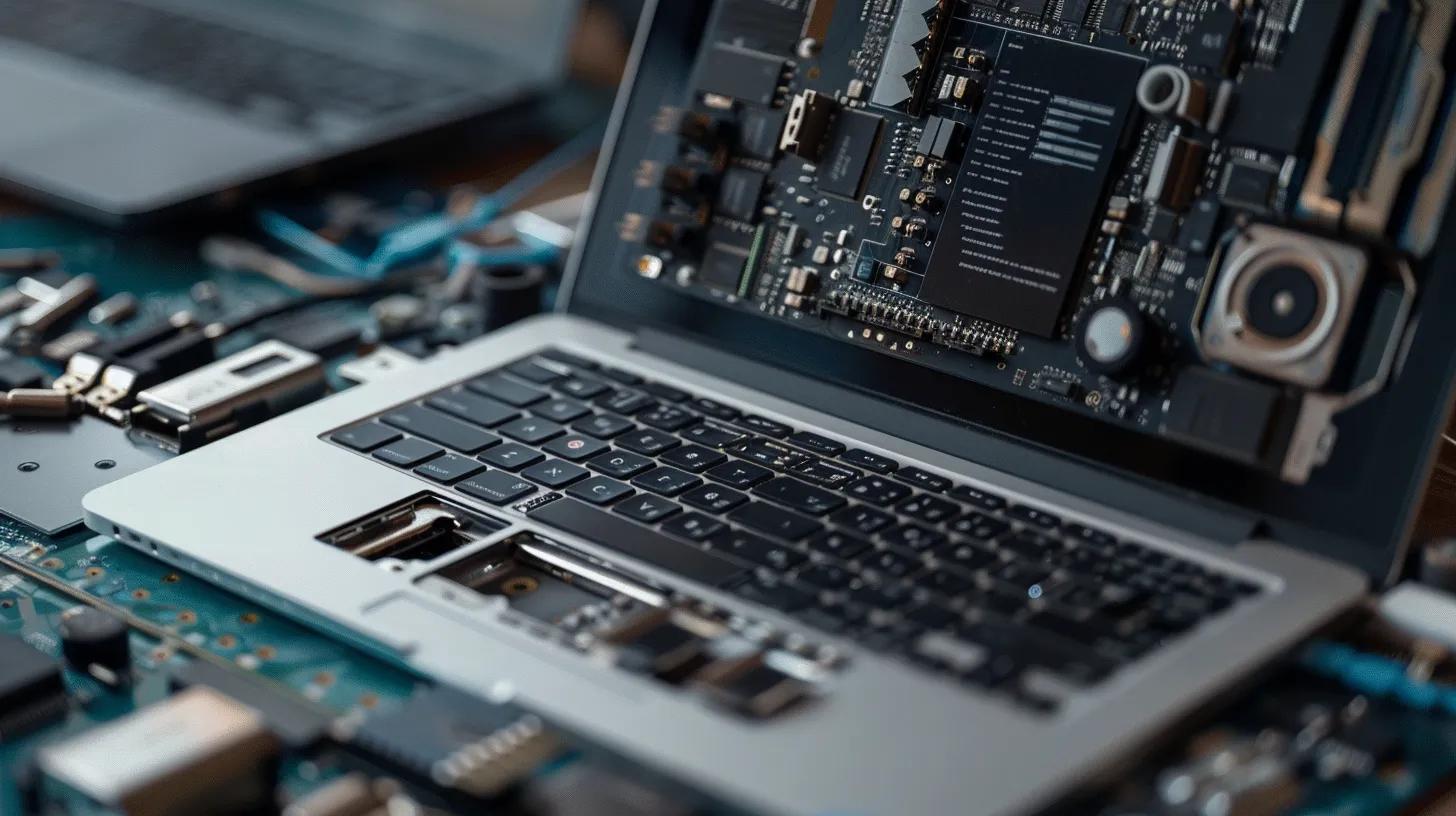
MacBook Screen Repair: Comprehensive Guide to Costs, Issues, and Services
MacBook screens are essential components of these popular devices, and when they encounter issues, it can significantly impact usability. This comprehensive guide will delve into the costs associated with MacBook screen repair, common problems users face, and the services available to address these issues. Many MacBook users experience screen-related problems, such as flickering or cracks, which can stem from various causes, including accidental damage or manufacturing defects. Understanding the repair process and costs can help users make informed decisions about their devices. This article will cover the costs and processes for MacBook Air screen replacement, reliable repair services, common screen issues, battery and charging problems, overheating impacts, and the effects of water damage.
What Are the Costs and Processes for MacBook Air Screen Replacement?
Replacing a MacBook Air screen can be a significant investment, but understanding the costs and processes involved can help users navigate their options effectively. The price of a screen replacement can vary based on several factors, including the model of the MacBook Air, the type of screen, and whether the repair is done through an authorized service provider or a local repair shop.
How Much Does MacBook Air Screen Replacement Cost in 2023?
In 2023, the average cost for a MacBook Air screen replacement ranges from $250 to $800, depending on the model and the service provider. Factors influencing the price include the type of screen (LCD or Retina), labor costs, and warranty coverage. Authorized service providers may charge higher rates due to the use of genuine parts and certified technicians, while local repair shops might offer more competitive pricing.
What Is the Step-by-Step Process for MacBook Screen Replacement?
The process for replacing a MacBook screen typically involves several key steps:
- Diagnosis: The technician assesses the damage to determine if a replacement is necessary.
- Disassembly: The MacBook is carefully disassembled to access the screen components.
- Screen Replacement: The damaged screen is removed, and a new screen is installed.
- Reassembly: The device is reassembled, ensuring all components are securely in place.
- Testing: The technician tests the new screen to confirm functionality.
This process usually takes between 2 to 4 hours, depending on the technician’s expertise and the model of the MacBook Air.
Where Can You Find Reliable MacBook Screen Repair Services Near Me?
Finding a reliable repair service for your MacBook screen is crucial to ensure quality repairs and customer satisfaction. Users have several options, including Apple Authorized Service Providers and local repair shops.
Understanding the broader landscape of the consumer electronics repair industry can provide valuable context when choosing a service provider.
Consumer Electronics Repair Industry Insights
In this paper, we provide a look into the repair industry through an analysis of a survey conducted by a third-party repair service provider. 2170 repair technicians have participated in a survey to provide insights into the challenges and opportunities within the consumer electronics repair sector.
The current status of the consumer electronics repair industry in the US: A survey-based study, M Sabbaghi, 2017
What Are the Benefits of Using Apple Authorized Service Providers?
Apple Authorized Service Providers offer several advantages, including:
- Warranty Coverage: Repairs performed by authorized providers often come with warranty protection, ensuring peace of mind.
- Quality of Parts Used: Authorized providers use genuine Apple parts, which can enhance the longevity and performance of the repair.
- Expertise of Technicians: Technicians at authorized service centers are trained by Apple, ensuring high-quality service.
How Do Local Repair Shops Compare for MacBook Screen Replacement?
Local repair shops can be a viable alternative to authorized service providers, offering benefits such as:
- Cost Differences: Local shops often provide more competitive pricing compared to authorized providers.
- Service Speed: Many local shops can complete repairs more quickly, sometimes while you wait.
- Customer Service Experiences: Local shops may offer a more personalized service experience, with technicians who can provide tailored advice.
How to Fix Common MacBook Screen Issues: Flickering and Cracks
MacBook users frequently encounter screen issues such as flickering and cracks. Understanding the causes and solutions for these problems can help users maintain their devices effectively.
What Causes MacBook Screen Flickering and How Can It Be Fixed?
Screen flickering in MacBooks can be caused by several factors, including:
- Software Issues: Outdated software or incompatible applications can lead to display problems.
- Hardware Malfunctions: Loose connections or failing components can cause flickering.
- Display Settings: Incorrect display settings may also contribute to flickering.
To fix flickering, users can try updating their software, checking connections, or adjusting display settings. If the problem persists, professional repair may be necessary.
What Are the Best Solutions for MacBook Screen Cracked Repair?
When dealing with a cracked screen, users have a few options:
- Professional Repair: Taking the device to a certified technician ensures a high-quality replacement.
- DIY Repair Kits: For those with technical skills, DIY kits are available, but they require careful handling.
- Screen Protectors: Using a screen protector can prevent further damage and reduce the risk of cracks.
What Battery and Charging Issues Are Related to MacBook Screen Problems?
Screen damage can sometimes lead to battery and charging issues, affecting overall device performance. Understanding this relationship is essential for users experiencing multiple problems.
How Does Screen Damage Affect Battery Drain and Charging?
Screen damage can lead to increased battery drain due to:
- Increased Power Consumption: A damaged screen may require more power to function correctly.
- Short Circuits: Physical damage can cause short circuits, leading to battery issues.
Users should monitor their battery performance and seek repairs if they notice significant drain or charging problems.
What Are Effective Troubleshooting Steps for Battery and Charging Issues?
To troubleshoot battery and charging issues, users can:
- Check Connections: Ensure that the charging cable and port are clean and free of debris.
- Reset SMC: Resetting the System Management Controller (SMC) can resolve many power-related issues.
- Update Software: Keeping the operating system updated can help address software-related battery problems.
If these steps do not resolve the issue, professional assistance may be required.
How Does Overheating Impact MacBook Screen and Keyboard Functionality?
Overheating can significantly affect the performance of MacBook screens and keyboards. Understanding the causes and preventive measures is crucial for maintaining device health.
What Causes Overheating in MacBook Air Models?
Common causes of overheating in MacBook Air models include:
- Blocked Vents: Dust and debris can obstruct airflow, leading to overheating.
- High-Performance Tasks: Running demanding applications can increase heat generation.
- Environmental Factors: Using the device in hot environments can exacerbate overheating issues.
How Can Overheating Be Prevented to Protect Screen and Keyboard?
To prevent overheating, users can:
- Ensure Proper Ventilation: Keep vents clear and avoid using the device on soft surfaces.
- Limit Resource-Intensive Tasks: Close unnecessary applications to reduce CPU load.
- Use Cooling Pads: Consider using a cooling pad to enhance airflow.
Implementing these strategies can help maintain optimal operating temperatures and prolong device lifespan.
What Are the Effects of Water Damage on MacBook Screen and Repair Options?
Water damage can have severe consequences for MacBook screens and overall functionality. Understanding these effects and available repair options is essential for users.
How Does Water Damage Affect MacBook Display and Keyboard?
Water damage can lead to:
- Display Malfunctions: Liquid exposure can cause screen flickering, discoloration, or complete failure.
- Keyboard Issues: Water can seep into the keyboard, leading to unresponsive keys or short circuits.
What Repair Services Are Available for Water-Damaged MacBook Screens?
Repair options for water-damaged MacBook screens include:
- Professional Assessment: Technicians can evaluate the extent of the damage and recommend repairs.
- Component Replacement: In some cases, replacing affected components may be necessary.
- Data Recovery Services: If data loss occurs, specialized services can help recover important files.
Understanding these repair options can assist users in making informed decisions about their water-damaged devices.
