
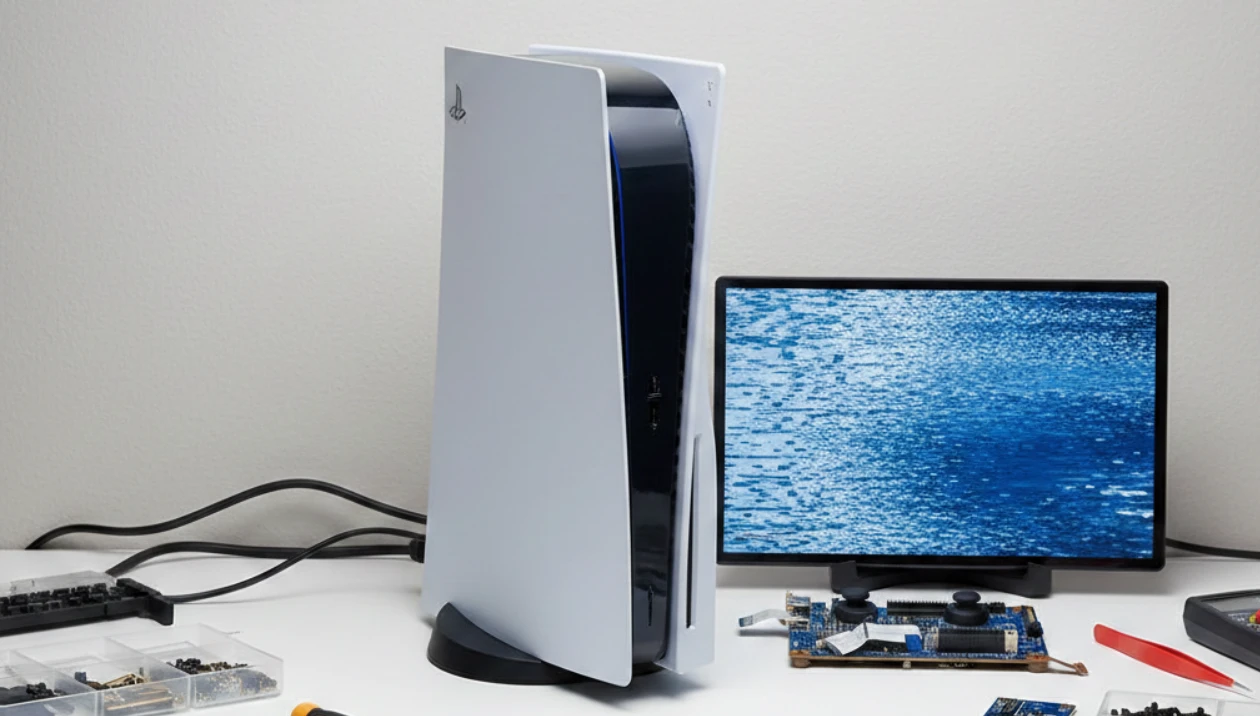
Why Frozen Screens on Your Game Console Need Immediate Attention
If your game console suddenly freezes mid-session, it can be more than just frustrating—it can interrupt gameplay, risk data loss, and leave you wondering if your device is permanently damaged. For gamers in Vaughan, Canada, addressing frozen screens quickly is essential to avoid bigger issues down the line. At iPace Electronics, our team specializes in game console repair, ensuring your device is handled efficiently, with transparent processes and reliable results.
Whether it’s a sudden screen freeze, hardware malfunction, or software glitch, knowing your repair options can help you make the best choice for your console and prevent long-term damage.
Common Causes of Frozen Screens on Game Consoles
Frozen screens can occur for various reasons, and understanding the cause helps determine the right repair approach:
- Overheating – Excessive heat can temporarily lock the console or damage important internal parts, such as the processor or memory chips.
- Software glitches – Corrupted updates or system errors can prevent the console from functioning.
- Hardware failure – Faulty memory modules, GPU issues, or motherboard issues can cause the screen to freeze.
- Disk read errors – Problems reading game discs may cause screen lockups, making the system unresponsive.
- Water or liquid damage – Spills on the console can cause electrical shorts (unintended connections) that result in freezing.
At iPace Electronics, our Vaughan-based technicians assess these problems carefully to provide targeted game console repair solutions.
7 Console Repair Options for Frozen Screens
Here are seven practical solutions for dealing with a frozen console:
1. Soft Reset
A simple restart can resolve temporary glitches. Hold the power button to shut down the console completely, wait a few minutes, and restart. This can clear minor software freezes without affecting stored data.
2. System Update
Outdated firmware (the system’s core program) or interrupted updates can often cause freezing. Connecting your console to the internet and installing the latest system updates can restore smooth performance. Our team ensures updates are applied safely during game console repair.
3. Safe Mode Startup
Many modern consoles include a safe mode option for troubleshooting issues. Safe mode allows you to rebuild system files or reset certain settings without deleting games or data. This step is often recommended when minor resets don’t work.
4. Internal Hardware Inspection
Frozen screens may signal deeper hardware issues, such as malfunctioning memory, a failing GPU, or worn-out solder points. Our technicians in Vaughan perform detailed internal checks to identify and replace faulty components efficiently.
5. Cleaning and Dust Removal
Dust accumulation can block ventilation and cause overheating, which leads to screen freezes. Professional cleaning removes dust from fans, heat sinks, and vents while preventing damage to sensitive circuits.
6. Data Recovery and Backup
When freezing risks data loss, recovering saved games and settings is crucial. Our electronics repair team can safely back up your console data before performing repairs, ensuring your progress is preserved.
7. Professional Rebuild or Replacement
When software and minor hardware fixes aren’t enough, a rebuild or component replacement may be necessary. At iPace Electronics, we offer precise game console repair services, including motherboard, memory, and GPU replacements to restore full functionality.
When to Seek Professional Game Console Repair
Attempting DIY fixes can sometimes worsen the problem, especially if you’re dealing with hardware faults, water damage, or complex internal components. Contact a local repair shop in Vaughan if:
- The console frequently freezes even after resets.
- You notice overheating, burning smells, or loud fan noises.
- Software updates fail repeatedly.
- Water or physical damage has occurred.
- Data recovery is critical.
Professional repair ensures safe handling and long-term reliability.
Preventive Care for Your Game Console
Preventing frozen screens can save time and stress:
- Keep your console well-ventilated to avoid overheating.
- Regularly update firmware and game software.
- Avoid placing drinks near your gaming setup.
- Clean vents and fans every few months.
- Use surge protectors to protect against electrical spikes.
Following these simple steps reduces the likelihood of needing intensive repairs in the future.
Why Choose a Local Repair Shop in Vaughan
Choosing a local shop like iPace Electronics offers advantages:
- Faster turnaround times compared to shipping devices elsewhere.
- Personalized service and easy communication with technicians.
- Transparent pricing without hidden fees.
- Experienced staff familiar with common gaming console models.
Local expertise ensures your console is handled efficiently and returned in optimal condition.
Book a Repair Appointment
If your game console is experiencing frozen screens, don’t wait for the problem to escalate. Act now—visit iPace Electronics in Vaughan, Canada, for expert game console repair. Our technicians provide careful diagnostics, reliable solutions, and fast service to get you back to gaming without unnecessary stress. Take the first step towards restoring your console’s performance today.
Contact us right away to schedule your appointment and restore your console to smooth, uninterrupted performance. Don’t let a frozen screen disrupt your play—reach out to us and experience fast, reliable repair service today.
FAQs About Game Console Repair in Vaughan
1. How long does a typical game console repair take?
Repairs for frozen screens usually take 1–3 business days, depending on the severity of the issue and the availability of the required parts.
2. Can I recover my saved games during repair?
Yes. Our technicians prioritize data recovery before performing hardware or software fixes.
3. Do you service all console brands?
We repair a wide range of consoles, including PlayStation, Xbox, and Nintendo systems.
4. Are your repair services guaranteed?
Yes. We offer warranty coverage on parts and repairs completed in our Vaughan shop.
5. Can a frozen screen be fixed without opening the console?
Minor software freezes can sometimes be resolved with a reset or an update, but hardware-related issues typically require a professional internal inspection.
